Our first version of AI Assistant created landing pages using one of the tested Constructor templates that proved its effectiveness. You could change the text, swap the visuals, adapt it all to a new GEO, and the layout itself came from our ready-made set.
But sometimes you already have a landing page in mind and want to build around it. And it’s now possible!
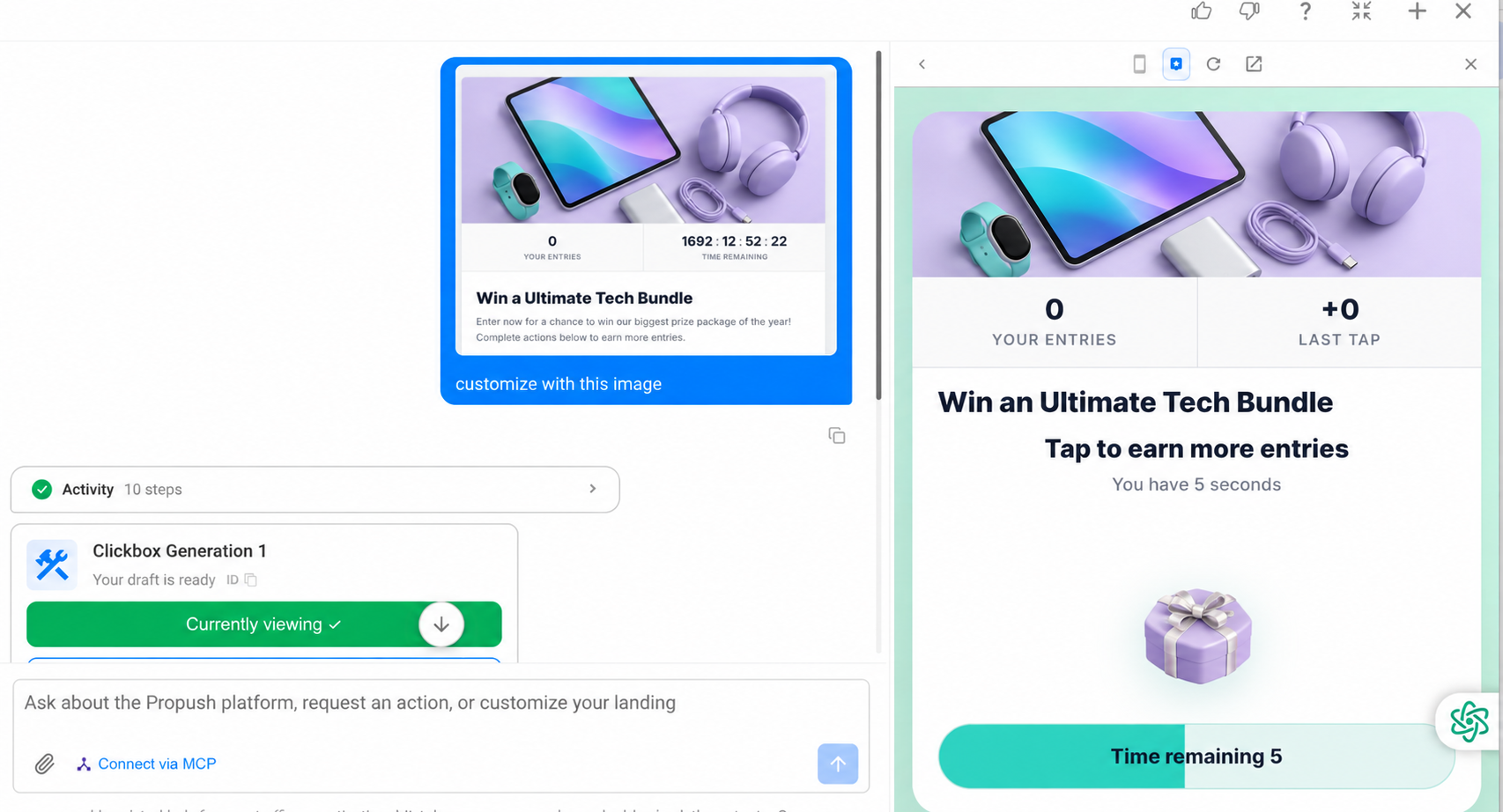
Now you can drop a reference image into the chat while fine-tuning, and AI Assistant will make your page look as close to it as possible.
You still start with one of our templates. The new part comes after that: while fine-tuning, you can upload an image and tell AI Assistant to make the page look like it.
Here is how it works: say you already have a creative that works, and you want your landing page to match it. You pick the most suitable template, but instead of editing it bit by bit until it looks about right, you can now show AI Assistant what you’re after.
Upload your image, tell AI Assistant what you need, and it will rework your template to look as close to your reference as possible.
What this gives you:
One quick note: the image works as a reference, and the assistant will redraw the page in its own way based on both your reference and our policy. It won’t be a pixel-perfect copy of your picture on the landing page, but placing your exact image is coming soon.
Here are a couple of examples:
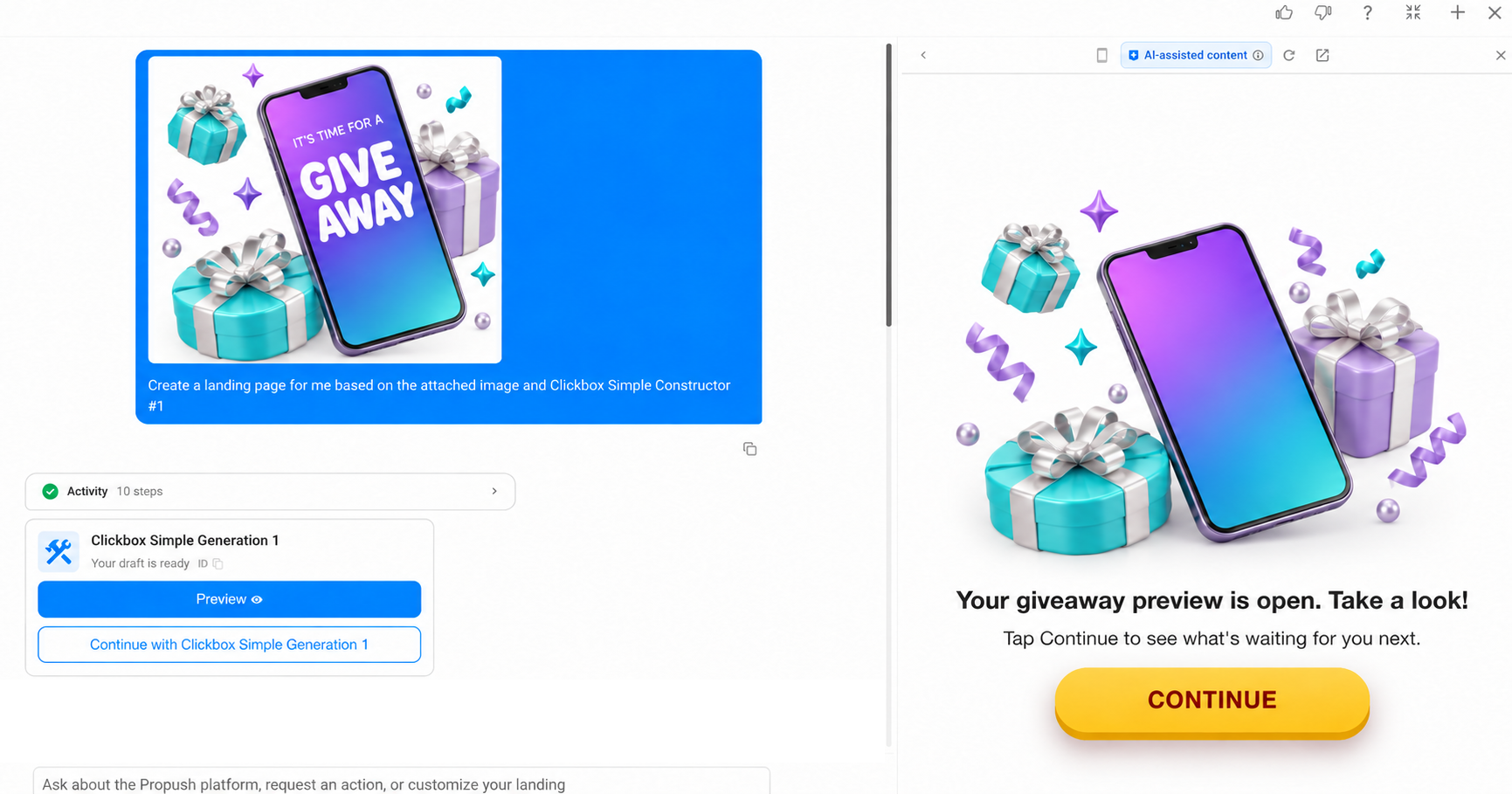
So got a creative you trust? Pick a template, upload your image to AI Assistant, and see how close it gets.
New to ProPush.me?
Sign up and request Constructor access.