Until now, every landing page you built with a Constructor started with a template. Then, you hand-edited it, asked AI Assistant to make changes, or even made the page look like your reference image.
Anyway, you were limited by our set of ready-made templates. From now on, you are not: with AI Landings, you describe your idea in the AI chat in your account, and AI builds the landing page from scratch, with ProPush.me monetization already inside.
No templates this time: AI plans the landing page together with you from scratch and builds it once you agree on the plan.
Here is how it goes:
AI Landings
Describe your idea, agree on the plan, and AI will build, test, and pack the landing for you.
Open the AI chat in your account and tell AI what you promote, who it's for, and what visitors should do. Write in any language, even roughly, and attach up to 3 images if you have them. No idea yet? The chat will suggest three or four to choose from.
AI drafts the plan: the screens, what visitors do on each of them, and where monetization comes in. Ask for changes in plain words, then click Build landing. Nothing gets built until you do.
AI creates the images, builds the page, and tests it in a real browser against the plan before you see it.
Ask for edits in the same chat. Every change is saved as a separate version, so you can go back to any of them. Need to change something later? Open your landing in the AI landings tab and click Continue in chat.
The website and zones are created automatically, and the main exit to the offer is always on. Switch tab-under, push, autoexit, reverse, and back on or off, download the ZIP, upload it to your own domain, and send traffic.
You don't need a finished design, coding skills, or even an offer link to get started.
Most of the heavy lifting is done for you. We have ideas ready to start from, AI builds and fine-tunes the page with you in chat, and monetization is built in, so nothing breaks along the way.

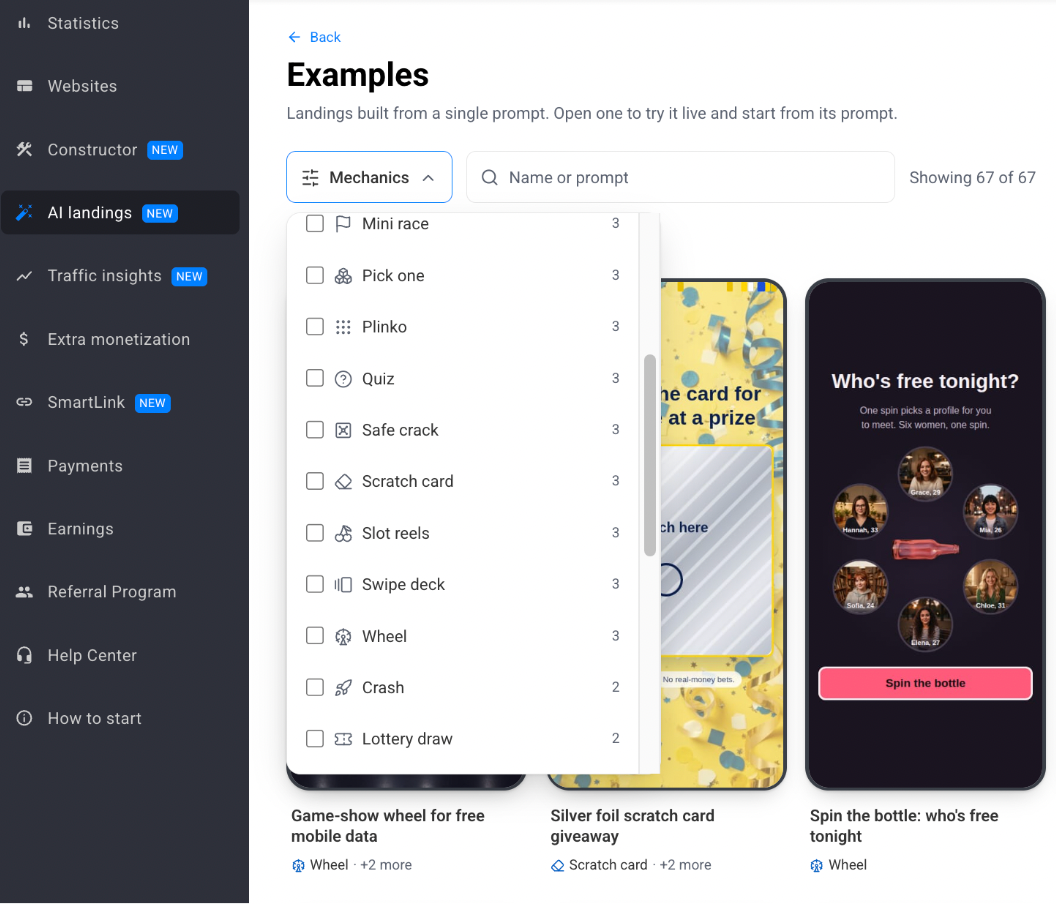
No need to come up with an idea from zero: we've already collected around 70 landings built this way. Click Explore examples on the start screen of the chat or in the AI landings tab. Each example has a live preview and the prompt it was built from.
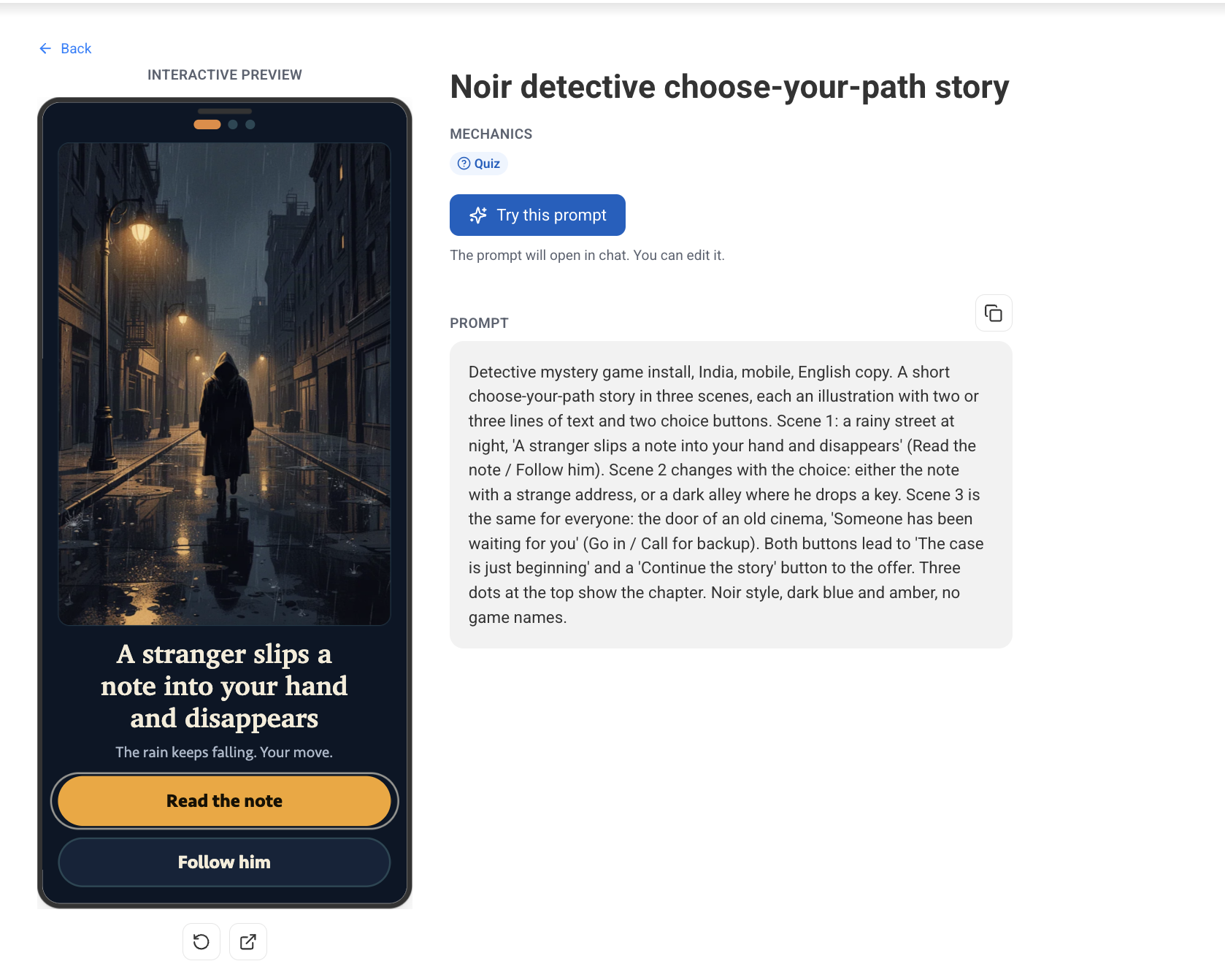
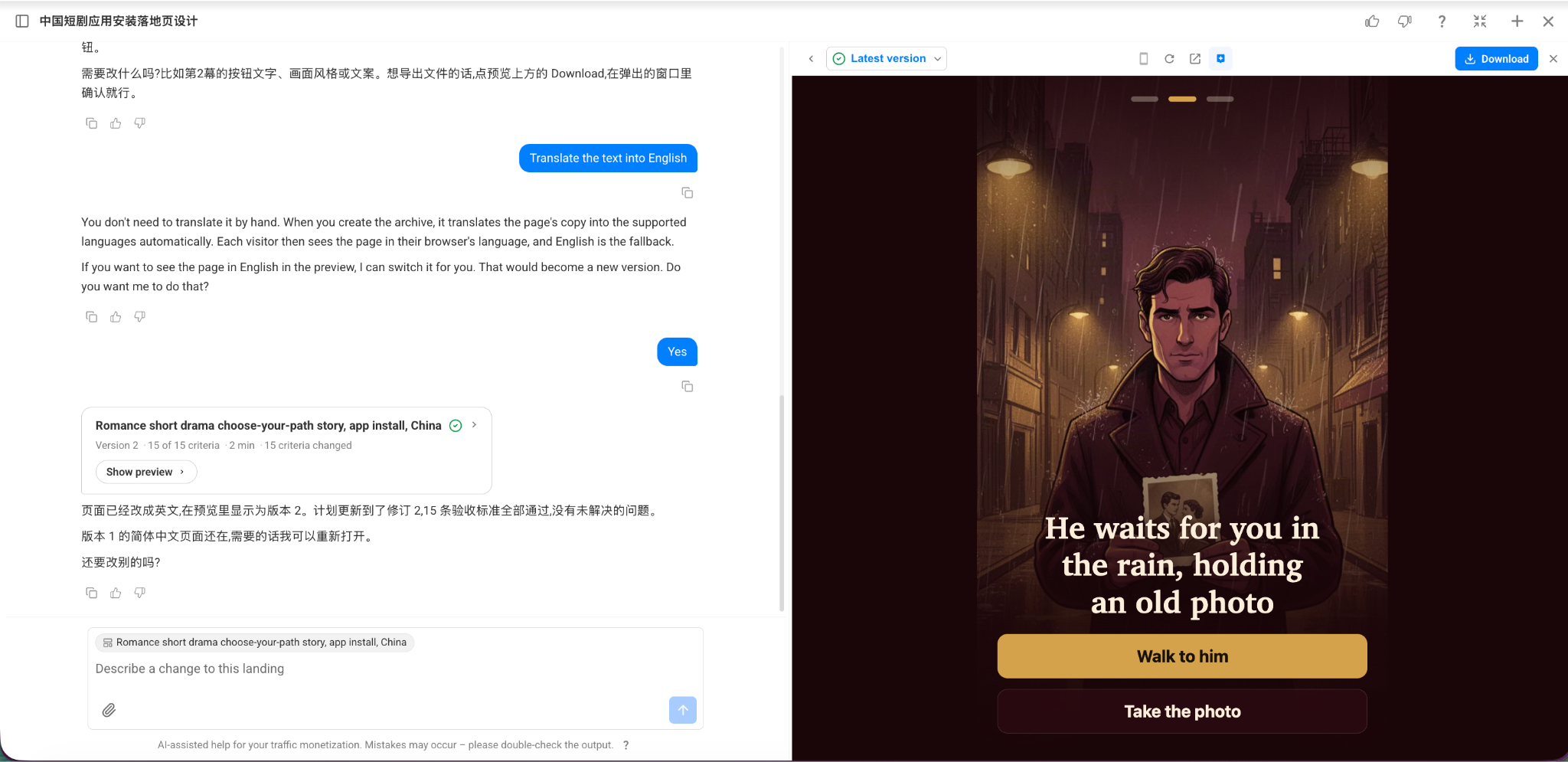
Found one you like? Click Try this prompt, and it will open in the chat, so you can adjust it to your offer and GEO. Here is how editing works:
You don't need to translate the landing page either, even if your prompt is in one language and your traffic comes from several GEOs:
Got an idea? Tell the AI chat and watch it build.
New to ProPush?
Sign up here and request Constructor access.
Before you send traffic, review the final landing yourself. You are responsible for its copy, images and mechanics, and for making sure they match the offer and comply with the laws of your GEOs and the rules of your traffic sources.