So today, we decided to share some techniques on how to get the most out of Facebook in-app traffic, backing up our recommendations with our customer’s case.
According to our statistics, Tier-3 GEOs (NG, GH, CI, ID demonstrate the best rates) are especially rich for converting Facebook browser traffic. As an affiliate marketer, you can benefit from this traffic in two major ways:
And for the best result, rely on ProPush.me - our Smart Tag and other features are 100% compatible with social traffic.
Now, let’s see which algorithm to follow.
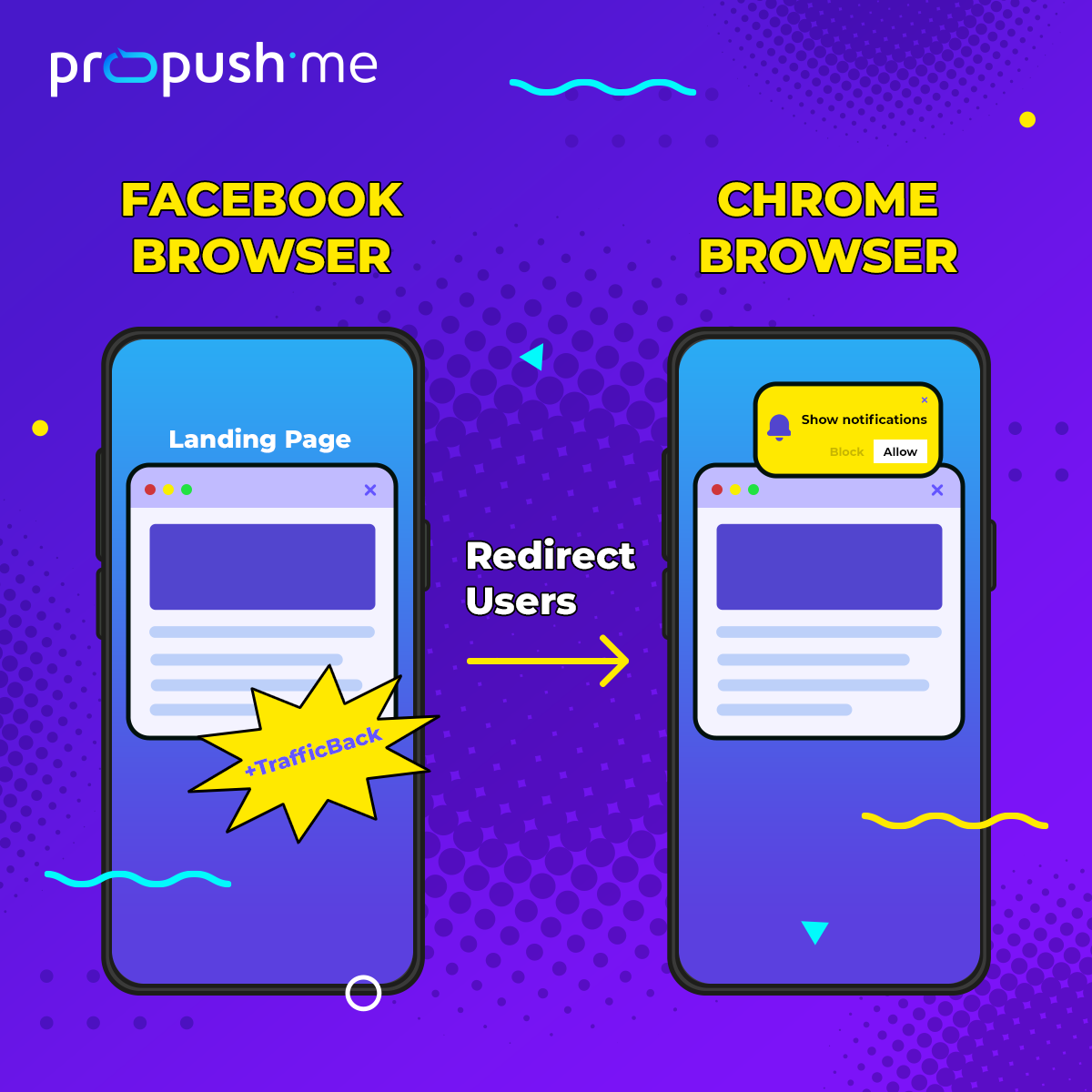
So, since you cannot send push opt-in requests via the Facebook browser, you need to direct users to the Google Chrome browser first.
Disclaimer: ProPush.me’s functionality allows you to work with Chrome, which is the most popular browser when it comes to Android traffic + Chrome has the most transparent push subscriptions mechanics. So please mind that this guide is specifically related to users who have Chrome browser.
After you show a landing page to users in the Facebook browser (this is the one used to view any Facebook content), your main task is to transfer them to the Chrome browser, and this is where you can send an opt-in request and offer a push subscription.
What is more, you can use the ProPush.me TrafficBack feature in the Facebook browser to get additional income. TrafficBack allows you to monetize all users, whether they subscribe or not.
Basically, the flow described above should look this way:
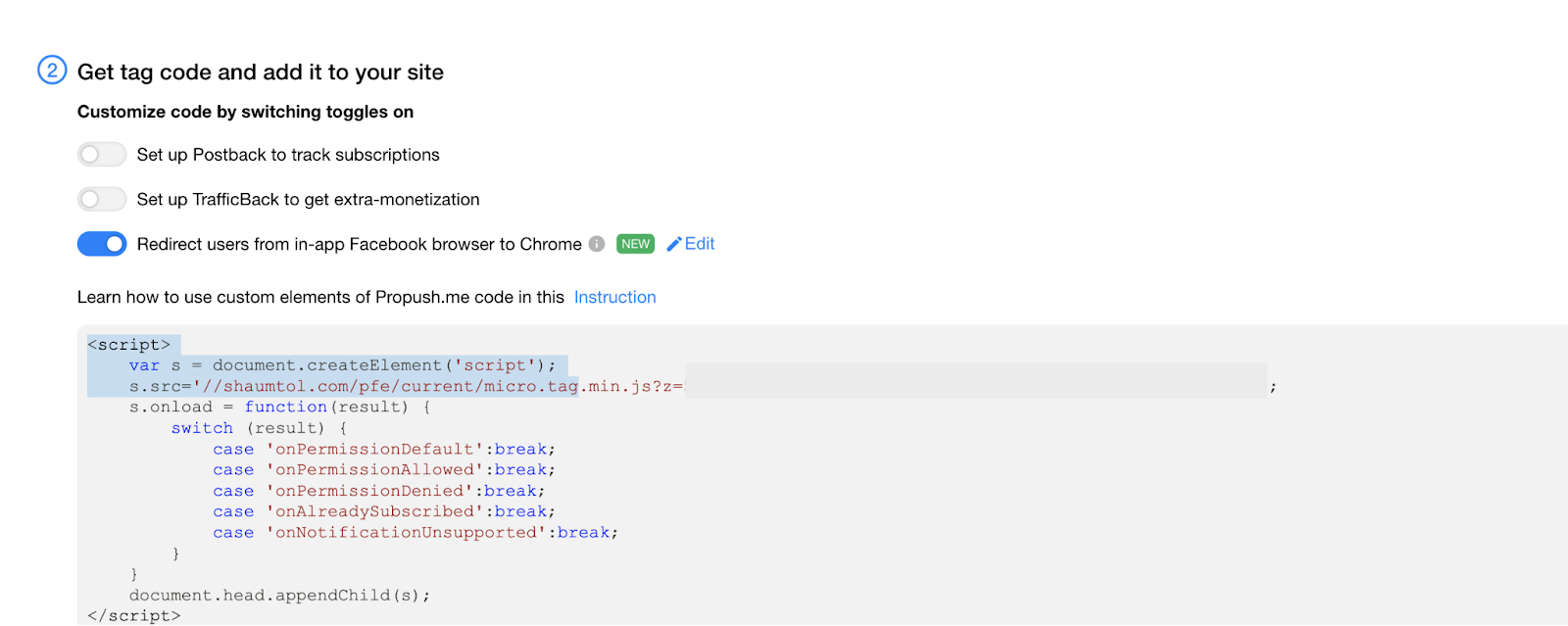
When adding a tag to your website or landing page, don’t forget to turn on the corresponding function in your ProPush.me account:
Voila, now your users are redirected to your offer page, where they can get an opt-in request and subscribe if they are interested. Thus, when users get to Chrome, you can monetize them just the usual way and get extra money from ProPush.me.
And at the same time, the TrafficBack feature will help you monetize all of your traffic. No risks.
The strategy of our partner is just as we described above - transferring users to the Chrome browser from the Facebook browser as fast as possible.
He has a very simple landing page in Facebook browser, similar to this one:
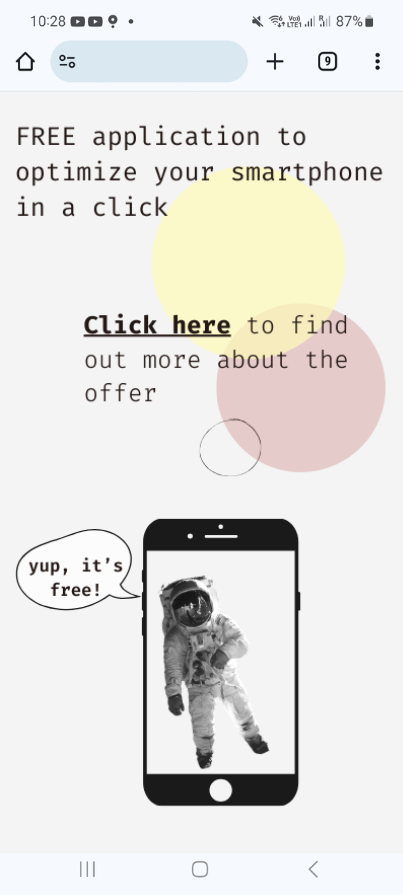
The page is efficient, since it follows two main rules for such a flow.
Here is what users see when they click the link on a landing page:
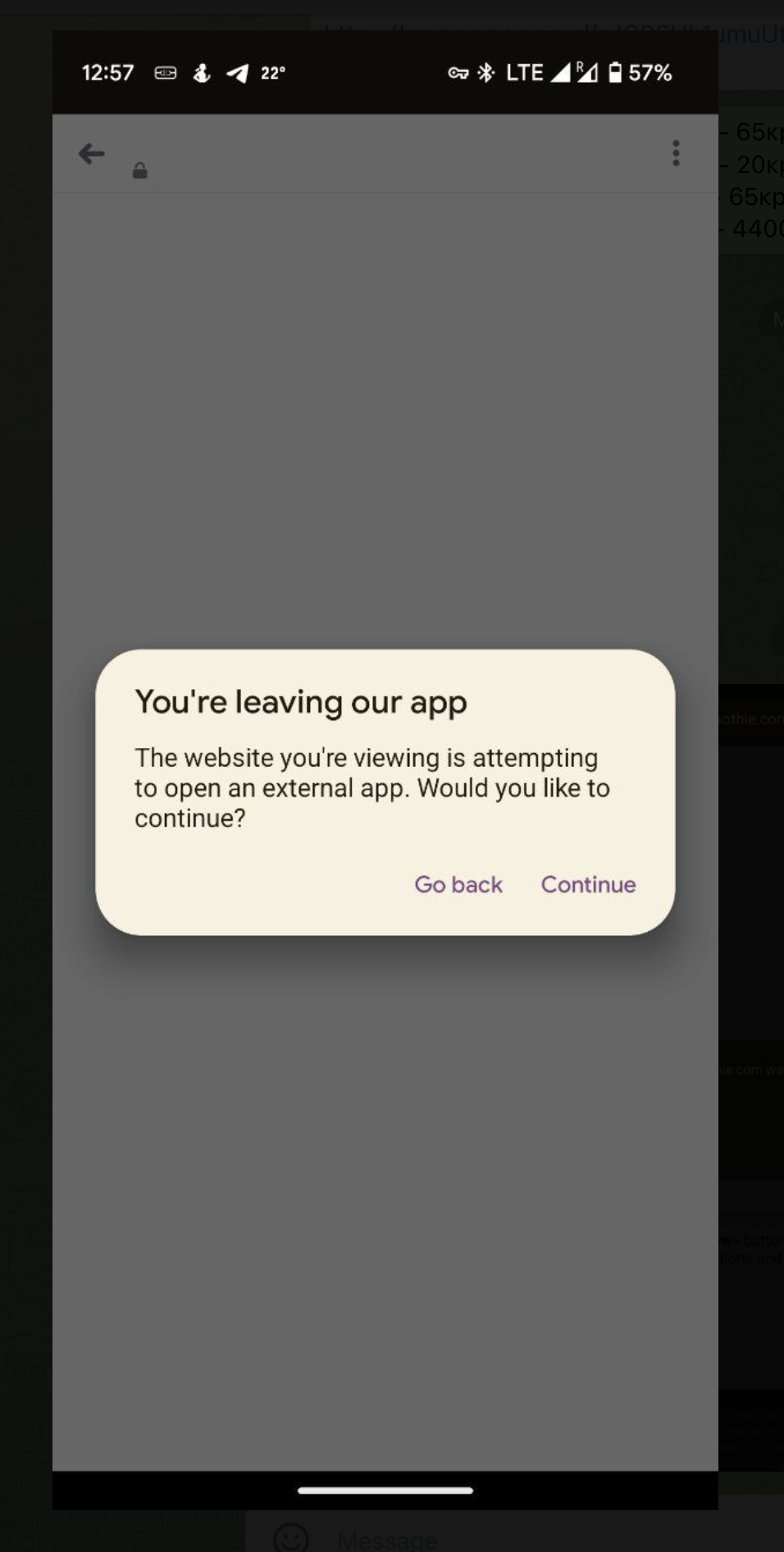
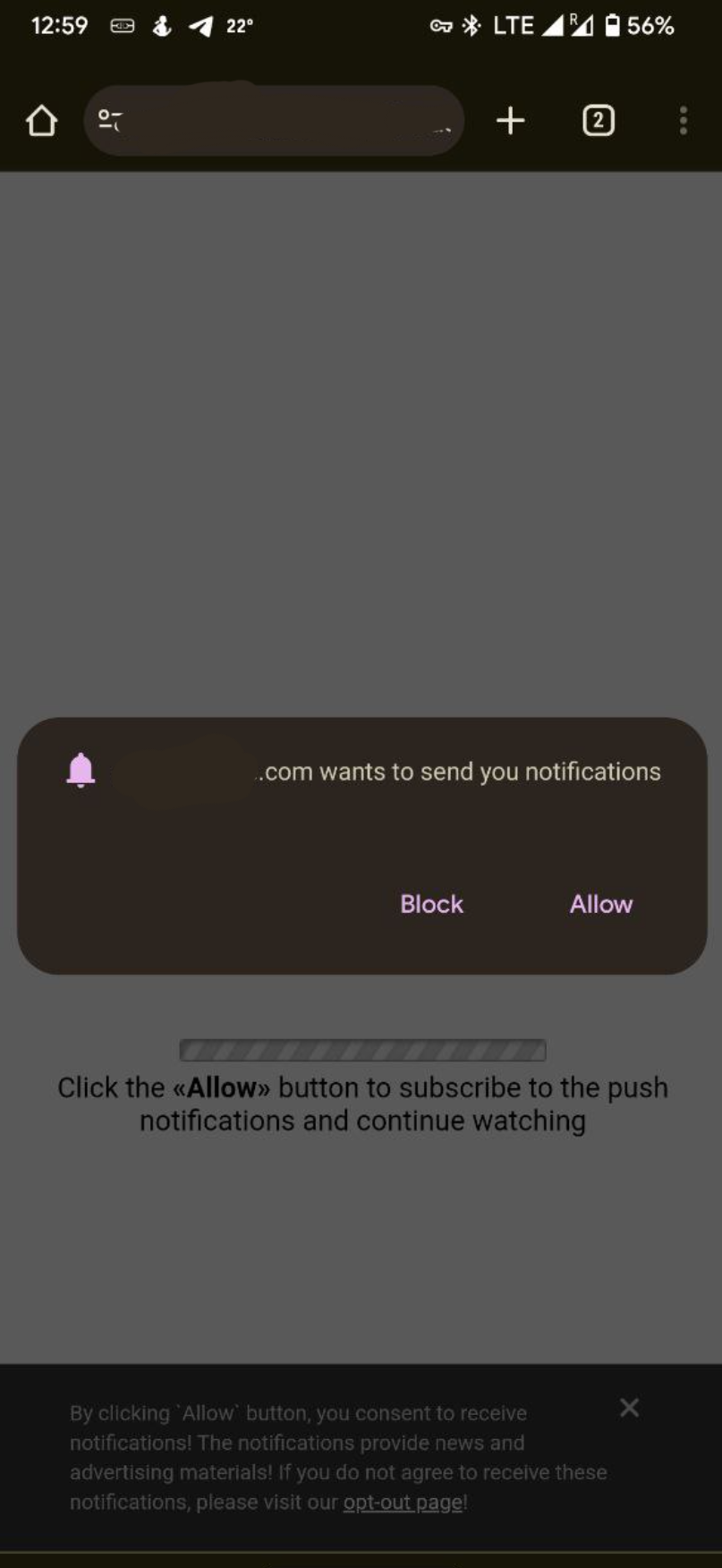
After clicking on the “Continue” button, they are transferred to the Chrome browser, where they can finally subscribe to Push notifications.
Working with Facebook traffic this way, our partner receives $1000+ profit from ProPush.me per day! Here are the stats (period: 9/10/2023 - 15/10/2023):
| Date | Pre-requests | Subscriptions | Profit from ProPush.me |
| 09.10.2023 | 492 938 | 54 251 | $1 384 |
| 10.10.2023 | 500 692 | 58 738 | $1 477 |
| 11.10.2023 | 442 680 | 55 569 | $1 434 |
| 12.10.2023 | 418 330 | 50 045 | $1 322 |
| 13.10.2023 | 391 560 | 46 334 | $1 239 |
| 14.10.2023 | 352 344 | 41 670 | $1 120 |
| 15.10.2023 | 350 015 | 41 215 | $1 069 |
Time to remind you about TrafficBack. Our partner implemented this feature into the landing page that appears in the Facebook browser, so when users clicked it, they were redirected to the relevant offer. Therefore, users react eagerly and profit stays stable - they see things they are interested in.
To sum up, let’s highlight some key points of our today’s article:
So, that’s all, folks! Rely on ProPush.me in most monetization cases - even with Facebook in-app traffic. Just do it smartly following our guides. Happy monetizing!